
Published on
Discord Sticker & Reaction Stats | EmoteStats v2.1
Very happy to announce that dedicated stats for reactions and sticker use are finally here!
All the same commands, graphs, and dashboard that have been tracking your server’s emotes have now extended to stickers and reactions. Read on to see what changed and a little guide on using the new features.
What’s New?
As a quick summary:
- Introducing all-new sticker and reaction tracking
/top,/bottom, and/graphnow allow a type selection for emotes, reacts, or stickers/unusednow checks emote use in both messages and reactions/graphnow has the same time range options as other commands- Web dashboard now has toggles for the three expression types
- Other dashboard filters have been compacted into one menu
- Privacy Policy updated
Sticker Tracking
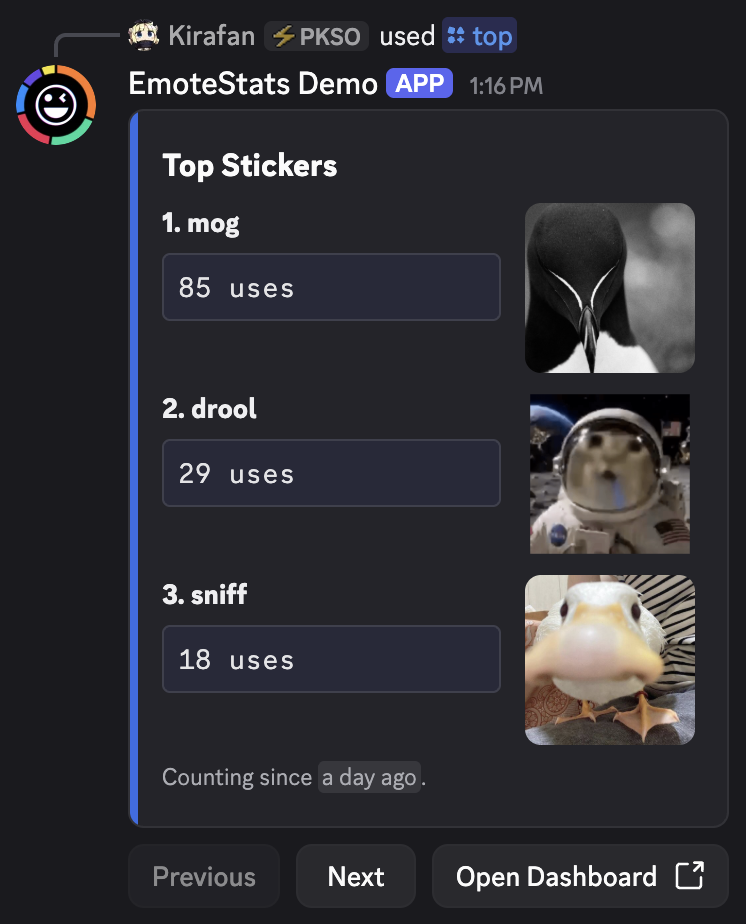
Now featuring full sticker support in existing /top, /bottom, /graph, and /unused commands. Just select type:stickers in the command options. By default, they show emote usage unless specified.
Reaction Tracking
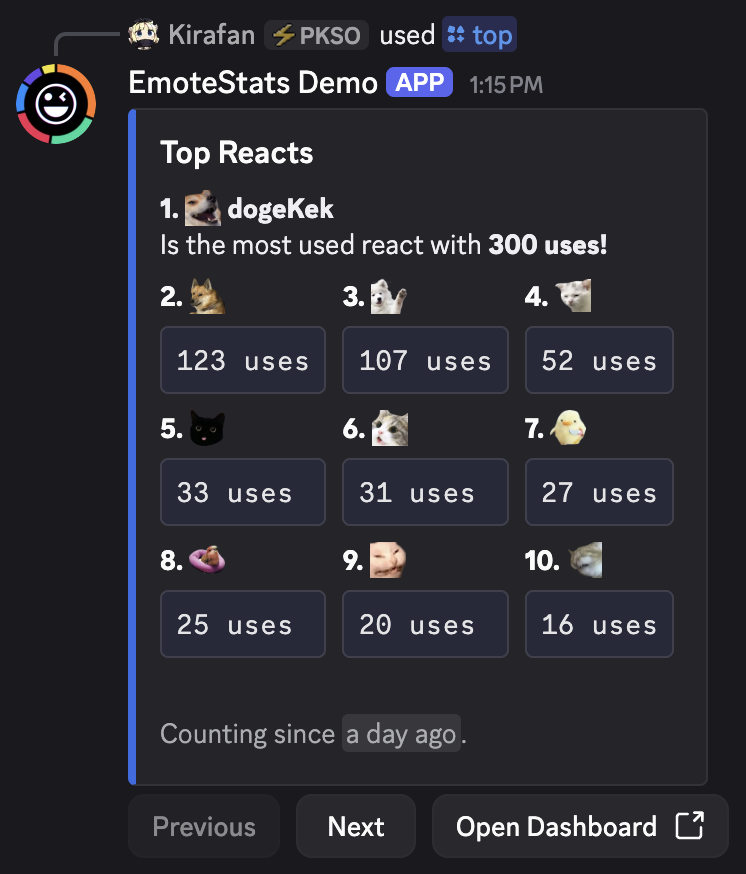
Same as above, you’ll find that /top, /bottom, and /graph now support selecting type:reacts to get insights on reaction usage. These stats cover your server’s custom emotes used as reactions.
A More Complete Unused Check
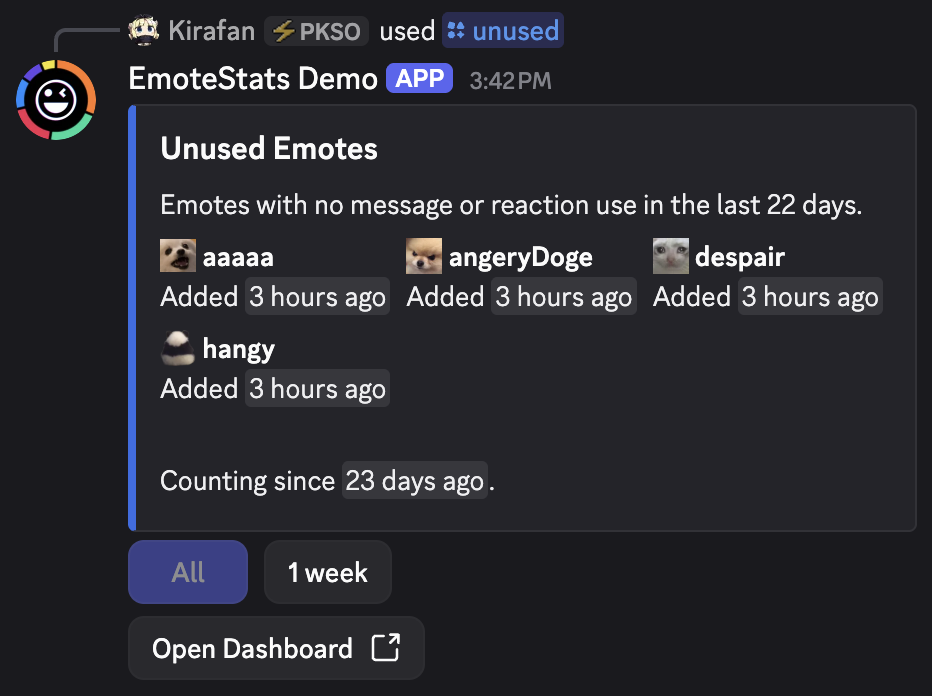
With reactions now tracked, /unused checks for emotes with no recorded use in either messages or reactions during the selected period. Of course, note that sticker and reaction tracking started a little later, and earlier activity won’t be added retroactively. As the bot has more time in your server it will become a more reliable reference for what emotes to target when clearing house for new ones.
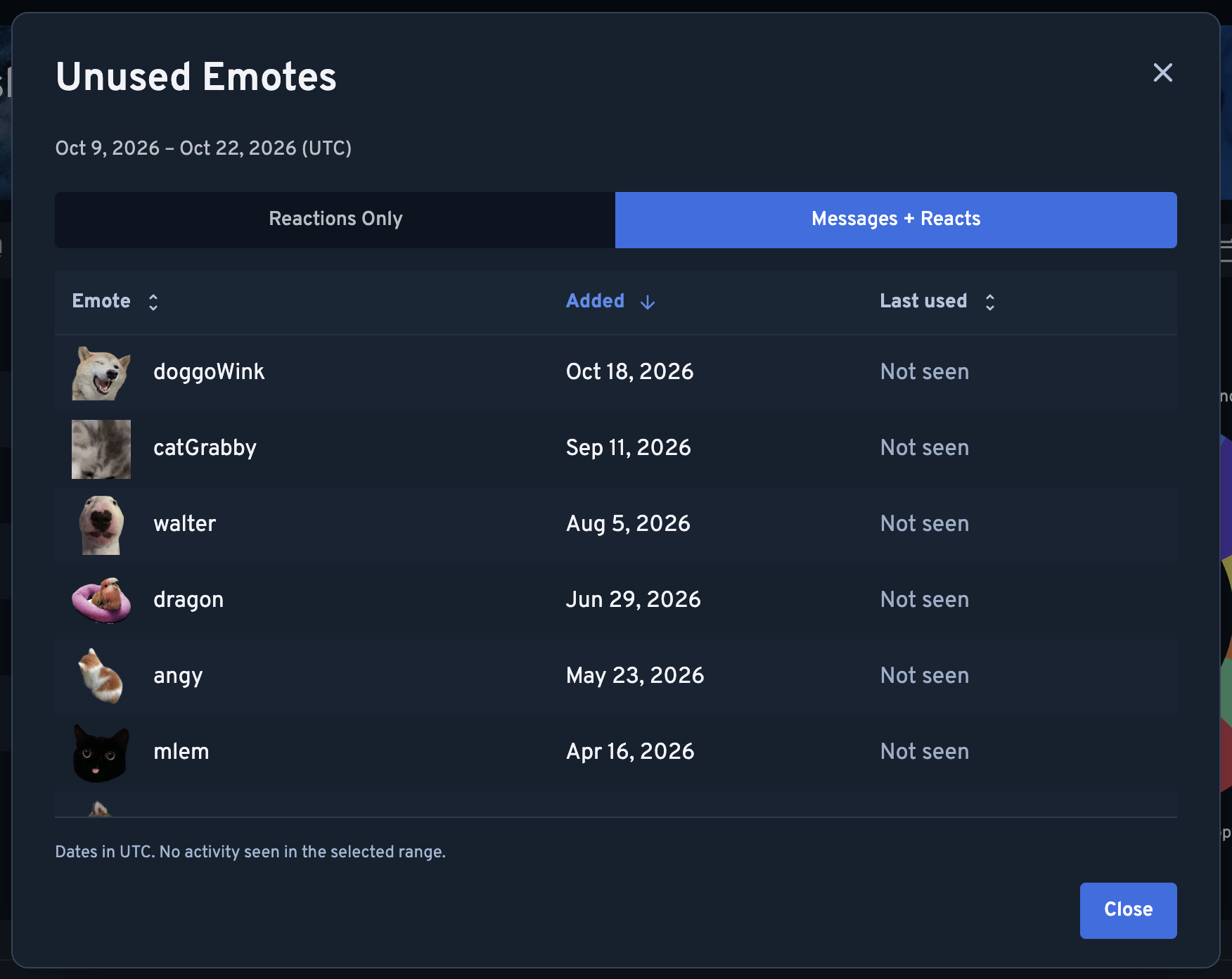
When checking unused emotes in the dashboard, there are new options to hone in on being unused in messages, as a reaction, or collectively. The Emotes tab starts with Messages Only, and Reacts starts with Reactions Only. Choose Messages + Reacts in either to check both.
Dashboard Update
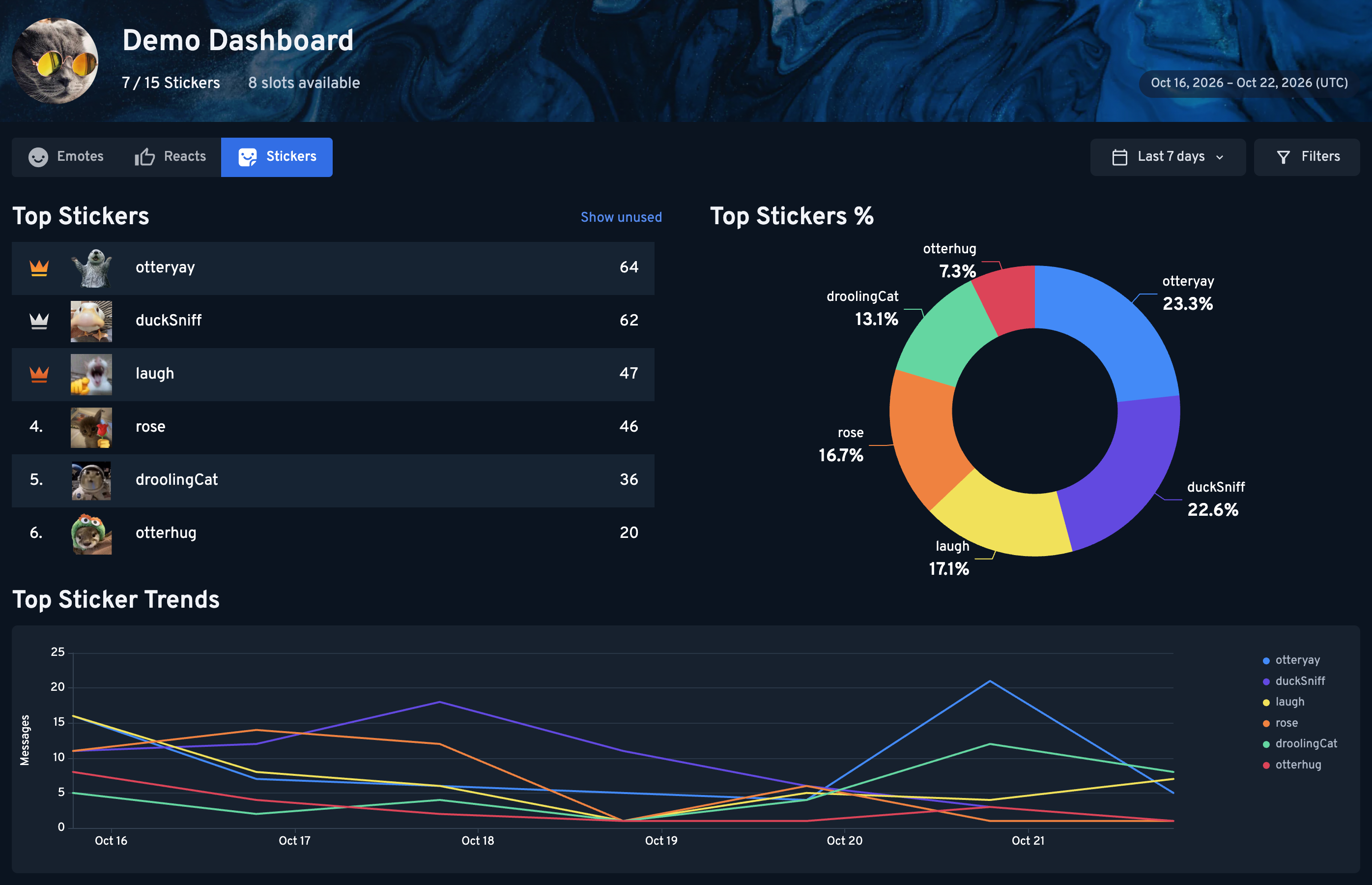
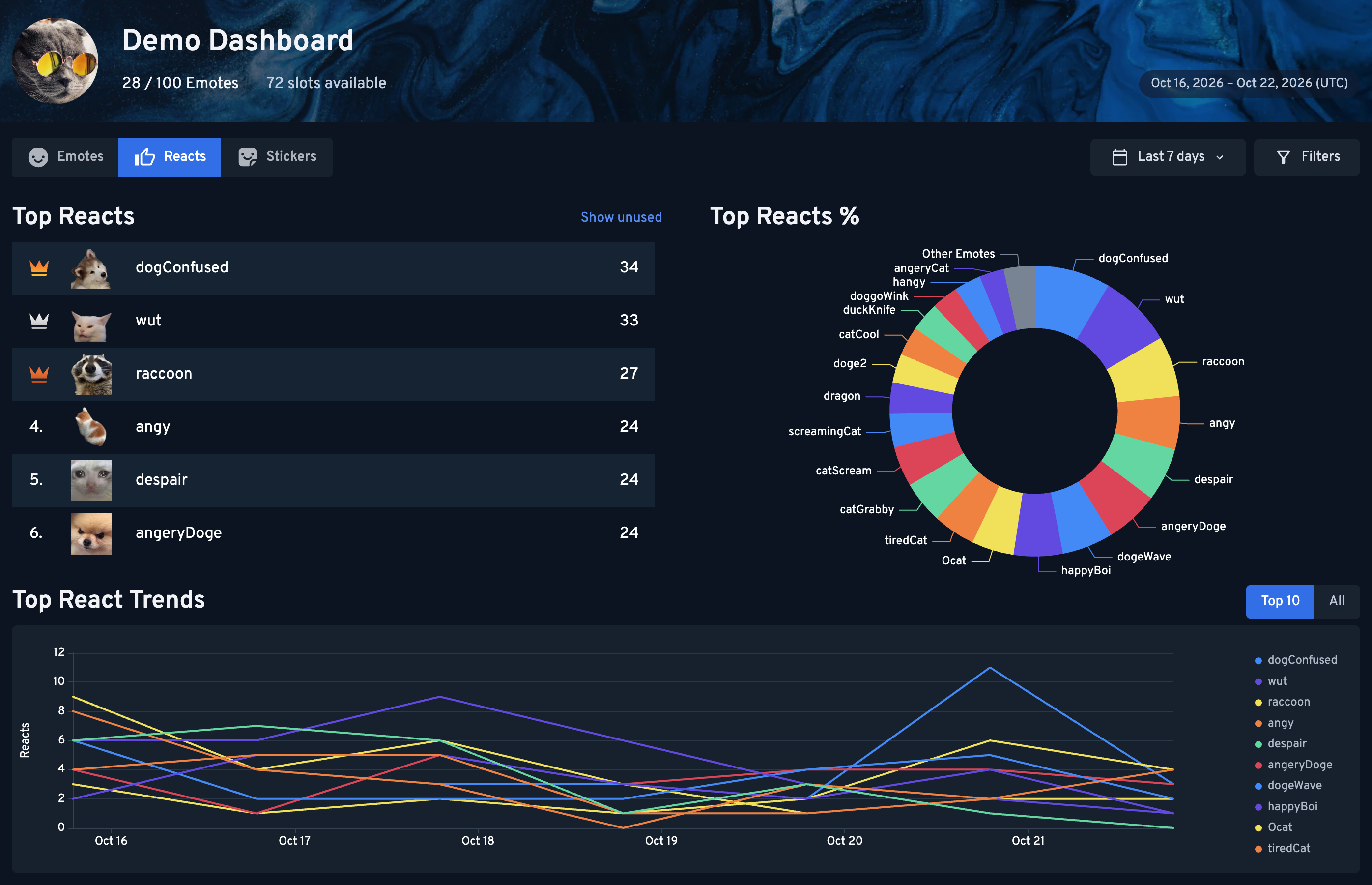
The web dashboard has been updated with type selection between the three: Emotes, Reacts, and Stickers. Switch between them to explore each type’s rankings and graphs.
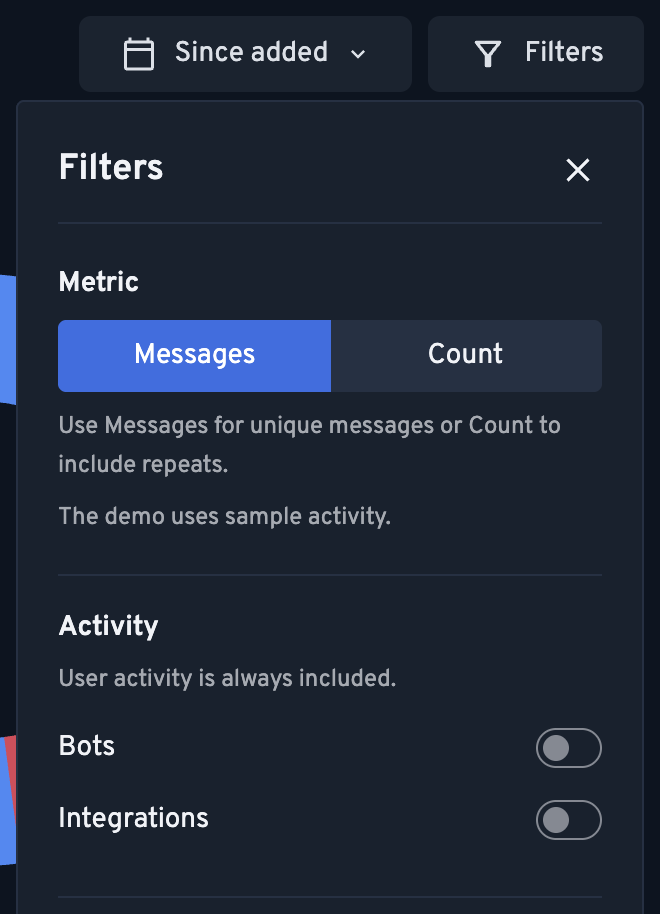
With all these new features, the dashboard options were starting to get really cluttered. Now you'll find most of the filters moved into the following menu.
Graph Command Update
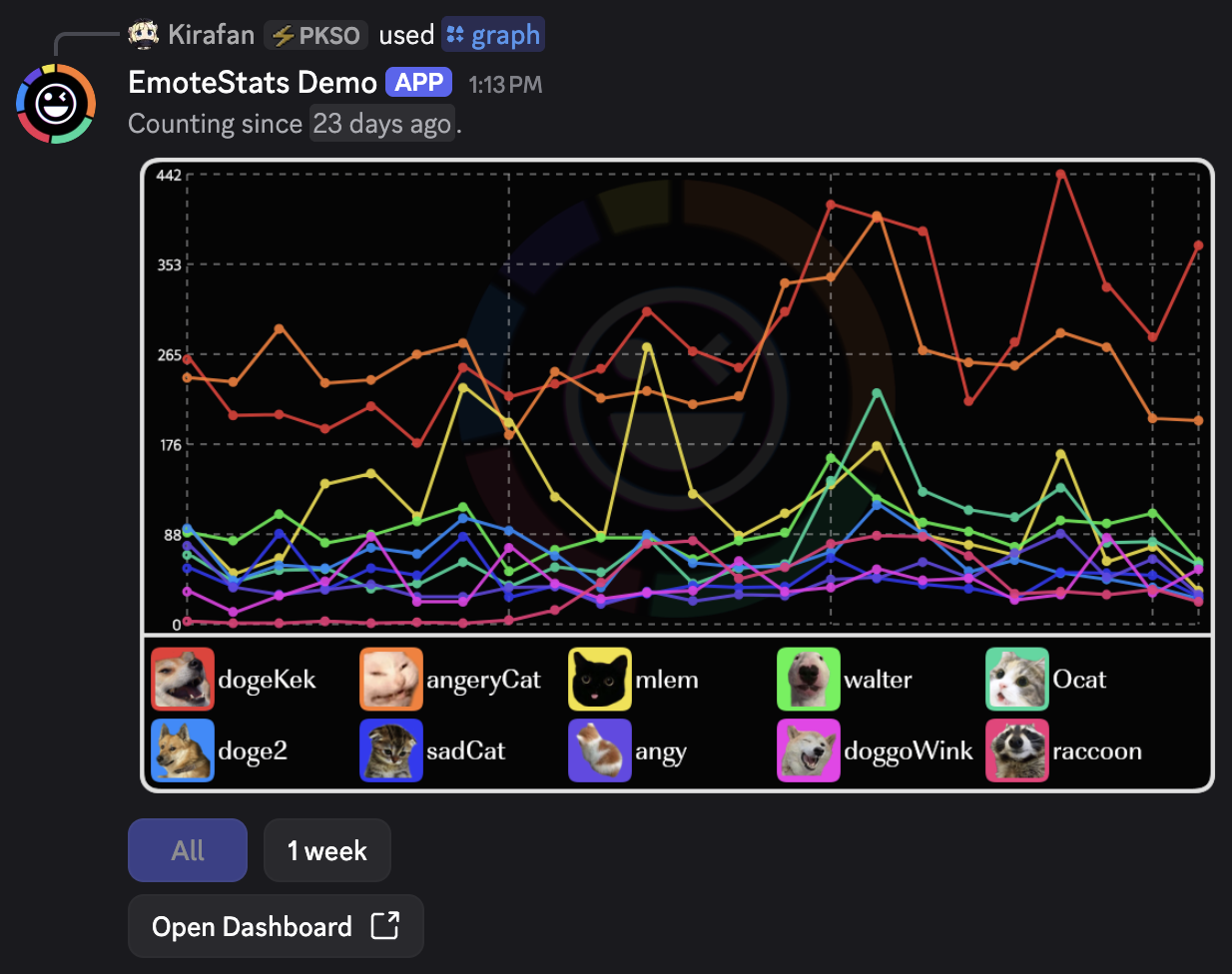
The /graph command is now enhanced with the same time selection buttons that the other commands had. You’ll find consistent time controls across /top, /bottom, /graph, and /unused, with more ranges appearing as tracking history builds up.
Now, the line chart adjusts to the history available. This should be especially appreciated in new servers without much history accumulated yet.
Privacy Policy Update
Just a heads up that the Privacy Policy has been updated to cover sticker and reaction tracking and give a clearer picture of what we’re recording.
As always, if you personally are not interested in being tracked you may use /opt-out to stop recording your future activity in all servers you share with EmoteStats. Use /opt-out again to toggle it back on should you change your mind. Previously counted activity stays in the stats, and activity during that gap won’t be added later.
What’s Next?
That covers all the basics now! From here, expect new features to focus on how stats are presented, deep diving into where and who’s using them, and having new ways of managing your server’s emotes and stickers. You can follow what’s coming on our Roadmap or join our Support Server!
Hope everyone has been enjoying the bot so far and thank you for reading!
’Till next update,
Kirafan